
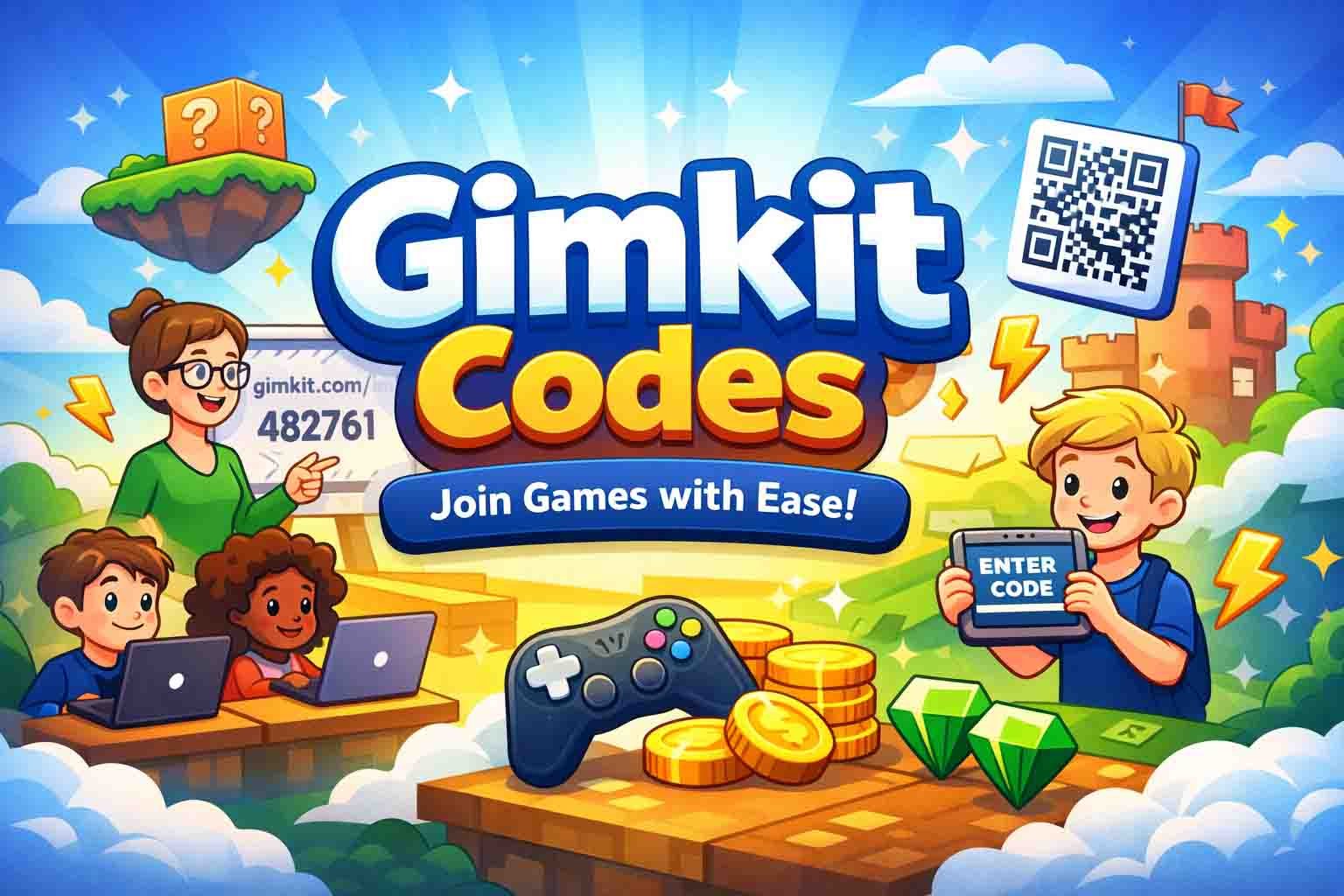
Gimkit has become one of the most fun learning tools in classrooms today. Students enjoy it because the games feel fast, active, and full of energy. Teachers love it because it keeps students excited about learning. But to enter these games, students need something simple called Gimkit Codes.
Gimkit Codes are small six-digit keys that help students join a live game in just a few seconds. These codes make the whole joining process very smooth. You do not need to make an account or type a long password. You only need this one little code, and you are inside the game.
In this article, we will explain what Gimkit Codes are, how they work, where to find them, and how to use them in class.
By the end of this guide, you will know exactly how to get a Gimkit Code, how to join a game, and how to use these codes in the fastest and easiest way.
What Are Gimkit Codes?
Gimkit Codes are small joining keys that let students enter a live Gimkit game. These codes are usually made of six numbers, like “458732.” When a teacher starts a game, Gimkit creates a new code for that session. Students type this code on the join page to enter the game.
These codes are very important because they help students join the correct classroom session. Without Gimkit Codes, anyone could join any game, and that would make things confusing. The code system keeps everything safe, simple, and controlled by the teacher.
Gimkit Codes are also temporary. They only work while the game is active. When the teacher ends the game, the code stops working. This keeps each session private and easy to manage. It also makes every class feel fresh because each session gets a new code.
In short, Gimkit Codes are like a small door key. When the teacher gives the key, the student can walk into the right game. It is fast, simple, and perfect for busy classrooms.
Features of Gimkit Codes
1. Simple Six-Digit Format
Gimkit Codes are short and easy to type. They usually have only six numbers. This helps students join games fast, even if they are young or using small devices. The short format also reduces mistakes and saves time during class.
2. Auto-Generated for Every Game
Teachers do not need to create the code themselves. Gimkit makes a fresh code the moment a game starts. This means the teacher gets a new, clean, and unique code every time without doing extra work.
3. Works on All Devices
Gimkit Codes work on phones, tablets, laptops, and Chromebooks. As long as the device has a browser, the student can join. This makes Gimkit very flexible for all kinds of classrooms and all types of students.
4. Supports Join Links
Along with the six-digit code, teachers also get a special join link. Students can click the link, and the code will appear automatically. This is a great option for remote classes or students who type slowly.
5. QR Code Ready
Every Gimkit session also creates a QR code. Students can scan the QR code with their phone or tablet camera. This is very fast and removes the need to type numbers. It is perfect for younger students or for big classrooms.
6. Lets Students Rejoin Easily
If a student gets disconnected, they can join again using the same code. The code stays active until the teacher ends the session. This makes the game smooth even if someone’s device loses connection for a moment.
7. Very Safe and Private
Gimkit Codes keep the class safe because only students with the code can enter. The code works only for that class and only for that time. This gives teachers full control over who joins and keeps unwanted people out.
How Gimkit Codes Work
Gimkit Codes work in a very simple way. When a teacher starts a game, Gimkit creates a six-digit code at the top of the screen. Students use this code to connect to the same game session. It is like joining a private room that only the teacher controls.
Students go to gimkit.com/join, type the code, and enter the game in seconds. Once they join, their name appears on the teacher’s screen. This helps the teacher see who is in the lobby and who still needs help joining.
The code stays active as long as the game is active. If a student disconnects, they can use the same code to come back. When the teacher ends the game, the code stops working. This keeps every session fresh, safe, and private.
The whole system is designed to save time and make the class run smoothly. With Gimkit Codes, there is no long setup, no long sign-in process, and no confusion. It is quick, clear, and perfect for busy classrooms.
Types of Gimkit Codes
Gimkit offers more than one type of code, and each one has a special purpose. Understanding the differences helps teachers use the platform in the best way for their class.
The first type is the Live Join Code. This is the most common one. It is a six-digit code students type to enter a real-time game. It works only while the game is running. This type is used for Classic, Team Mode, Trust No One, and many other game modes.
The second type is the Gimkit Creative Game ID. This code is used to enter custom maps or custom worlds built in Gimkit Creative. These codes last much longer and stay active as long as the creator keeps the map published. They let players explore unique and fun worlds.
The third type is the Assignment Code or Link. Teachers use this for homework or outside-class tasks. Students do not join a live lobby. Instead, they open the assignment and complete it at their own pace. This is helpful for quiet study time.
Each type of code has a different purpose, but all are easy to use. They help teachers stay organized and help students join the right activity fast.
Where to Find Live Gimkit Codes
Live Gimkit Codes appear the moment a teacher starts a new game. The code shows at the top of the teacher’s screen in big, clear numbers. Students can see it on the board, the projector, or the teacher’s shared screen if the class is online.
Teachers can also find the code in other ways. Gimkit gives a join link that fills the code automatically when clicked. This is very helpful for remote classes or students using shared devices. The teacher can also share the code inside Google Classroom, Microsoft Teams, or a class message.
There is no way for students to guess or find the code on their own. Only the teacher who starts the game gets the code. Each session has a new, unique code, so old codes cannot be reused later.
Live Gimkit Codes are always created fresh for each class. This keeps the game private, safe, and controlled only by the teacher.
How Teachers Create a New Gimkit Code
Teachers can create a fresh Gimkit Code in just a few steps. The teacher logs in, picks a Kit, and chooses the “Play Live” option. After they choose the game mode and settings, they press “Continue.” Right away, the new code shows on the screen in big numbers for everyone to see.
This simple process makes it very easy for teachers to start a game at any time. The code is always brand new and only belongs to that one session. It cannot be reused later, which keeps the class safe. Teachers also get a join link and a QR code to help students join even faster.
How Students Join a Game With a Code
Students join a live Gimkit game in a few quick steps. They go to gimkit.com/join, type in the six-digit code, and write their name or school ID. As soon as they click “Join,” they enter the game lobby and can see their name on the screen.
This makes the joining process simple for everyone. It works on phones, tablets, Chromebooks, and laptops. Even students using small devices can join easily. If someone gets disconnected, they can rejoin with the same code because it stays active until the game ends.
How to Use QR Codes in Class
Gimkit also creates a QR code for every live game. Students can scan this QR code using their phone or tablet camera. When they scan it, the game page opens right away, and they do not need to type anything at all. This saves time and helps students join faster.
QR codes are very helpful for younger kids who may type slowly. They also help in busy classrooms because many students can join at the same time. Teachers can show the QR code on a smartboard or projector so everyone can scan it easily and enter the game with no delay.
Why Some Gimkit Codes Don’t Work
Sometimes a Gimkit Code does not work, but the reason is usually simple. One common reason is typing the wrong numbers. Even a small mistake can stop the code from working. Asking students to check their digits usually fixes it right away.
Another reason is that the game might have ended. When a teacher closes a session, the Gimkit Code stops working at once. In this case, the teacher needs to start a new game and share a new code. Bad internet or a slow device can also cause small joining problems, but these are easy to fix.
Smart Tips to Use Gimkit Codes Fast
There are many small tricks that make Gimkit Codes even easier to use. One good tip is to show the code in large text on the screen so everyone can see it clearly. This helps students join without asking the teacher again and again for the numbers.
Another helpful tip is to give students a short joining time before the game starts. This keeps the class calm and organized. Teachers can also use the nickname generator to stop students from typing silly or rude names. These small steps make everything smoother for everyone.
Safe Ways to Share Gimkit Codes
Teachers must always share Gimkit Codes safely. The code should be shared only with the class and not on public websites. Posting a code on a public forum may let unknown people join the game, which can distract the whole class. Keeping the code private is the safest choice.
Teachers can share codes through Google Classroom, Microsoft Teams, or a private class chat. These tools help keep the code inside the class only. If someone strange joins the game, the teacher can remove them with one click. Gimkit also lets teachers require student IDs for even more safety.
Best Game Modes That Use Live Codes
Many fun Gimkit game modes use the same type of live code. Classic Mode is very simple and lets each student play on their own. It is great for quick review games. Team Mode allows groups to work together and makes the game feel more social and fun.
Trust No One is a game mode inspired by mystery and teamwork. Students must think, vote, and work together. Snowbrawl and Tag Mode are fast, arcade-style games. Students love these because they move quickly and feel exciting. All these modes use the same join code, and students can rejoin anytime if they disconnect.
Extra Tips for Teachers to Run Smooth Games
Teachers can make Gimkit games even better by using a few simple tips. One helpful idea is to explain the joining steps before the game starts. This helps students get ready and join without confusion. Keeping the join code visible on the board also saves time.
For remote classes, teachers can share the join link in the video chat or email. They can also use screen share to show the code. Turning off game music in the classroom can help keep students calm during the joining time. All these small actions make the game smoother and more enjoyable.
Benefits of Using Gimkit Codes in Class
1. Fast and Easy Access
Gimkit Codes help students join games in just a few seconds. There is no need for long sign-ins or passwords. Students type the code, click join, and they are inside the game. This saves a lot of class time and keeps the lesson moving smoothly.
2. Works for All Class Sizes
Whether a teacher has 10 students or 100 students, Gimkit Codes work the same way. Everyone can join fast without waiting. This makes Gimkit a great choice for big classrooms and school events.
3. No Account Needed
Students do not need accounts or emails to join. They only need the code. This is very helpful for younger students who do not have accounts yet. It also reduces login problems and keeps things simple.
4. Great for Remote Learning
Gimkit Codes work very well in online classes. Teachers can share the code in the chat, and students can join from home easily. This makes remote lessons more fun and more interactive.
5. Smooth Classroom Control
Gimkit Codes help teachers manage the class better. Teachers can see who joined, who is missing, and who needs help. They can remove unknown players and keep the game clean and safe.
6. Fun and High Engagement
Games become more exciting when students can join quickly. The energy stays high, and students feel more interested. Gimkit Codes help make the whole experience smooth and enjoyable from the start.
Alternatives to Gimkit Codes
(Each alternative explained in easy paragraphs)
1. Kahoot
Kahoot uses a simple game PIN that works like Gimkit Codes. Students type the PIN to join fast quiz games. It is bright, colorful, and very fun for classroom learning.
2. Quizizz
Quizizz also uses join codes. Students enter the code and play at their own speed. It has funny memes, power-ups, and many game styles that keep learning enjoyable.
3. Blooket
Blooket gives students a game code to join. It has many creative game modes and cartoon characters. Students enjoy collecting points and unlocking fun blocks.
4. Quizlet Live
Quizlet Live uses a code system for joining team games. It is great for vocabulary practice and group learning. Students must work together to win.
5. Nearpod
Nearpod uses a five-letter join code. Students can join interactive lessons, quizzes, polls, and even VR activities. It is good for full-class engagement and mixed learning styles.
6. Wordwall
Wordwall uses shared links and codes for small games. Teachers can create quick activities, and students can join without logging in. It is simple and flexible.
7. Factile
Factile is a Jeopardy-style learning game. Students join using a code or link. It is great for review sessions and class competitions.
Final Thoughts
Gimkit Codes may look small, but they play a very big role in making classroom games fast and fun. These simple six-digit keys help students join in seconds, keep the class safe, and make learning more active. They work on all devices and fit perfectly into both in-person and remote lessons.
When teachers use Gimkit Codes with clear steps and simple routines, the whole class becomes smoother and more focused. Students feel excited, teachers feel in control, and the game becomes a fun part of learning. With these easy tips, you can enjoy Gimkit in the best and simplest way.
FAQs
Do Gimkit Codes stay active forever?
No. Gimkit Codes only work while the game is running. When the teacher ends the session, the code stops working right away.
Can students reuse old Gimkit Codes?
No. Each game gets its own new code. An old code will not work again because it belongs to a past session.
Where can I find a live Gimkit Code?
Only the teacher or game host can see the code. It appears at the top of the game screen as soon as the teacher starts a session.
Can I join a game without a Gimkit Code?
No. You need a valid code, join link, or QR code to enter the game. This keeps the game safe and private.
Why does my Gimkit Code say “not found”?
This happens when the code is typed incorrectly. Double-check the numbers and try again. Even one wrong digit can cause the error.
You may also read:
SSM Smart Square 2026 Guide: Easy Login, Smart Features, Better Workdays
The Power of SBXHRL: A Smart Way to Improve SEO and Grow Your Business
Monoprice 110010 Explained: Sound, Comfort, Features, and Real Value