
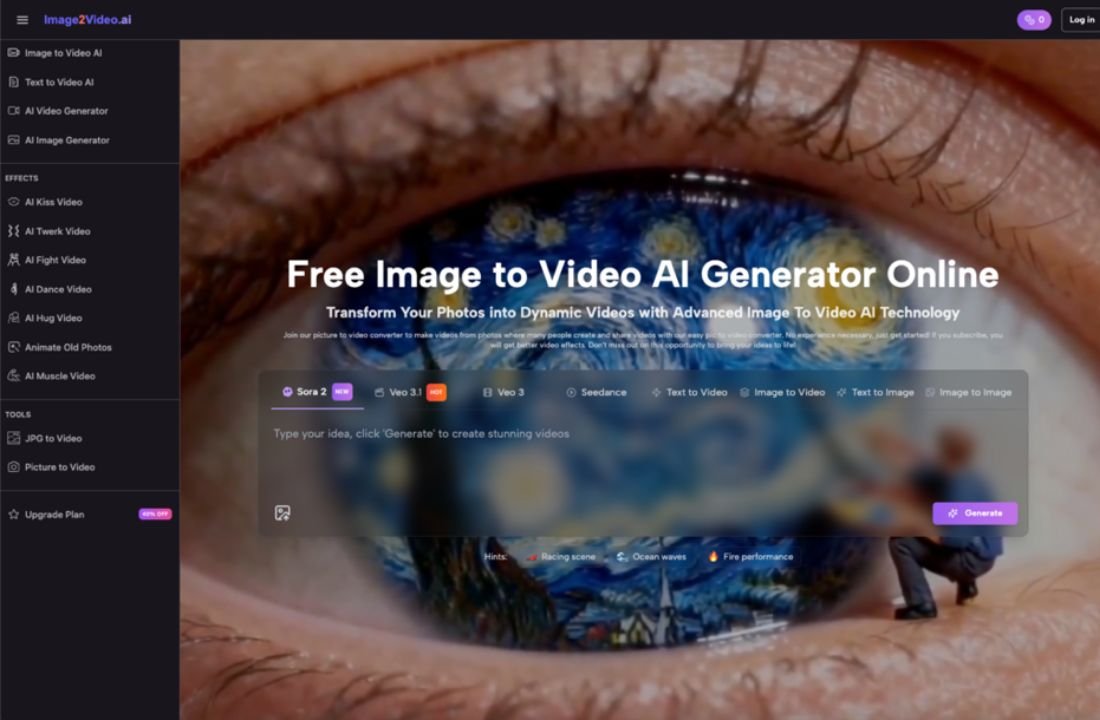
There’s a specific moment — usually about ten minutes into your first session — when the novelty shifts into something more practical. You upload a photo, type a short prompt, and watch the image animate. The sky drifts. A figure turns slightly. Water ripples where it was frozen. It’s impressive for about thirty seconds. Then the real questions begin: What can I actually use this for? How much control do I have? And is this going to save me time or just create a new kind of busywork?
This article is for designers who already work with static visuals and are starting to wonder whether photo to video AI tools belong in their workflow — not as a novelty, but as a practical layer in how they produce motion content.
The Gap That Image to Video AI Actually Fills
If you’re a designer, you probably already know how to create motion. After Effects exists. Premiere exists. Even Canva has basic animation. So the question isn’t whether you can make a video from an image — it’s whether you can do it in five minutes instead of forty-five, without opening a timeline editor.
That’s the gap image to video tools occupy. Not replacing professional motion design, but compressing the space between “I have a finished visual” and “I need that visual to move just enough for a social post, a pitch deck, or a client preview.”
Most designers I’ve spoken with didn’t come to these tools because they lacked skills. They came because they lacked time. A freelance brand designer doesn’t need cinematic camera movement on every deliverable. They need a product shot that breathes — a subtle zoom, a gentle pan, a looping ambient motion that makes a static portfolio piece feel alive in an Instagram story.
That’s a very different use case than what most AI video marketing implies.
What the First Few Sessions Typically Look Like
Here’s what tends to happen when a designer sits down with a photo to vixdeo AI generator for the first time.
Session one is pure experimentation. You upload your best-composed photo, expecting the AI to somehow “understand” the scene the way you do. Sometimes it does. Often, it interprets motion in ways you didn’t anticipate — a portrait’s hair moves but the background warps, or a landscape gains dramatic camera drift that feels cinematic but doesn’t match the mood you intended.
Session two is where calibration starts. You begin choosing images because they’ll animate well, not just because they’re your favorites. High-contrast edges, clear foreground-background separation, simple compositions — these tend to produce cleaner results. You start thinking about your source photo as an input variable, not just a finished piece.
By session three or four, a quiet shift happens. You stop trying to make the tool do what you imagined and start working with what it naturally produces well. This is the moment where image to video AI stops feeling like a gimmick and starts feeling like a medium with its own logic.
I noticed this pattern in my own use. The photos I thought would animate beautifully — complex layered compositions, intricate textures — often produced muddy or unpredictable motion. The ones that worked best were deceptively simple: a single product on a clean background, a landscape with clear depth planes, a portrait with soft lighting and minimal clutter.
Three Honest Observations After Thirty Days
Rather than listing features, here’s what a month of regular use tends to clarify.
- Not every photo deserves to move.
This sounds obvious, but it’s the lesson that takes longest to internalize. Static images have their own power. Adding motion to a perfectly composed still can actually reduce its impact if the animation feels arbitrary. The designers who get the most from image to video tools are the ones who develop a filter: “Does this image gain something from movement, or am I just animating it because I can?”
- Prompting is a design skill, not a writing skill.
When a tool lets you describe the motion you want — camera angle, speed, atmosphere — the instinct is to write descriptively. But what works better is thinking spatially. “Slow push toward the subject with shallow depth of field” produces more predictable results than “make it feel dreamy and cinematic.” Designers who already think in terms of composition, focal length, and pacing adapt to this faster than they expect.
- The output is a starting point, not a final deliverable.
Almost no one uses raw AI-generated video as-is for professional work. The typical workflow looks more like this: generate motion from a photo, screen the result, then pull it into a familiar editing environment for trimming, color correction, or layering with text and audio. Photo to video AI handles the most tedious part — creating believable motion from a still — and leaves the creative decisions to you.
Where This Fits (and Doesn’t) in a Design Workflow
Let’s be specific about where image to video conversion tends to add genuine value for working designers, and where it still falls short.
It works well for:
- Social content that needs motion but not full production — think animated portfolio posts, story-format teasers, or short product loops
- Client presentations where a moving mockup communicates mood faster than a static comp
- Rapid concept testing — showing a client three animated directions in the time it would take to build one in After Effects
- Repurposing existing assets without reshooting or re-rendering
It struggles with:
- Precise, choreographed motion (a hand reaching for a product at a specific angle, a logo animation with exact timing)
- Scenes with multiple moving elements that need to interact realistically
- Anything requiring frame-accurate control — lip sync, text animation, UI walkthroughs
- Maintaining brand-specific motion language across a series of outputs
This isn’t a limitation of any single tool. It’s the current boundary of what image to video AI does well versus what still requires human keyframing. Recognizing that boundary early saves a lot of frustration.
The Question Worth Asking After Your First Month
Most “is this tool worth it” evaluations focus on output quality. But for designers, the better question is: did this change how I think about my static work?
After a month of using photo to video tools regularly, several designers I’ve talked with reported an unexpected shift. They started composing photos and illustrations with potential motion in mind — leaving negative space for camera drift, choosing lighting that would hold up under subtle animation, structuring layers for cleaner depth separation.
That’s not a feature of any specific AI tool. It’s a cognitive side effect of working across the boundary between still and moving images. And it might be the most lasting benefit — not the videos themselves, but the expanded way you start seeing your own work.
Image to video AI isn’t going to replace your motion design skills. It isn’t going to eliminate the need for intentional creative direction. What it does, quietly and practically, is lower the activation energy between having a finished image and seeing it breathe. For designers who produce high volumes of visual content and need motion without the overhead, that’s a meaningful shift — not a revolution, but a genuinely useful new layer in how work gets done.
The still photo you uploaded ten minutes ago is moving now. The interesting part isn’t the motion itself. It’s deciding what you’ll do with it next.