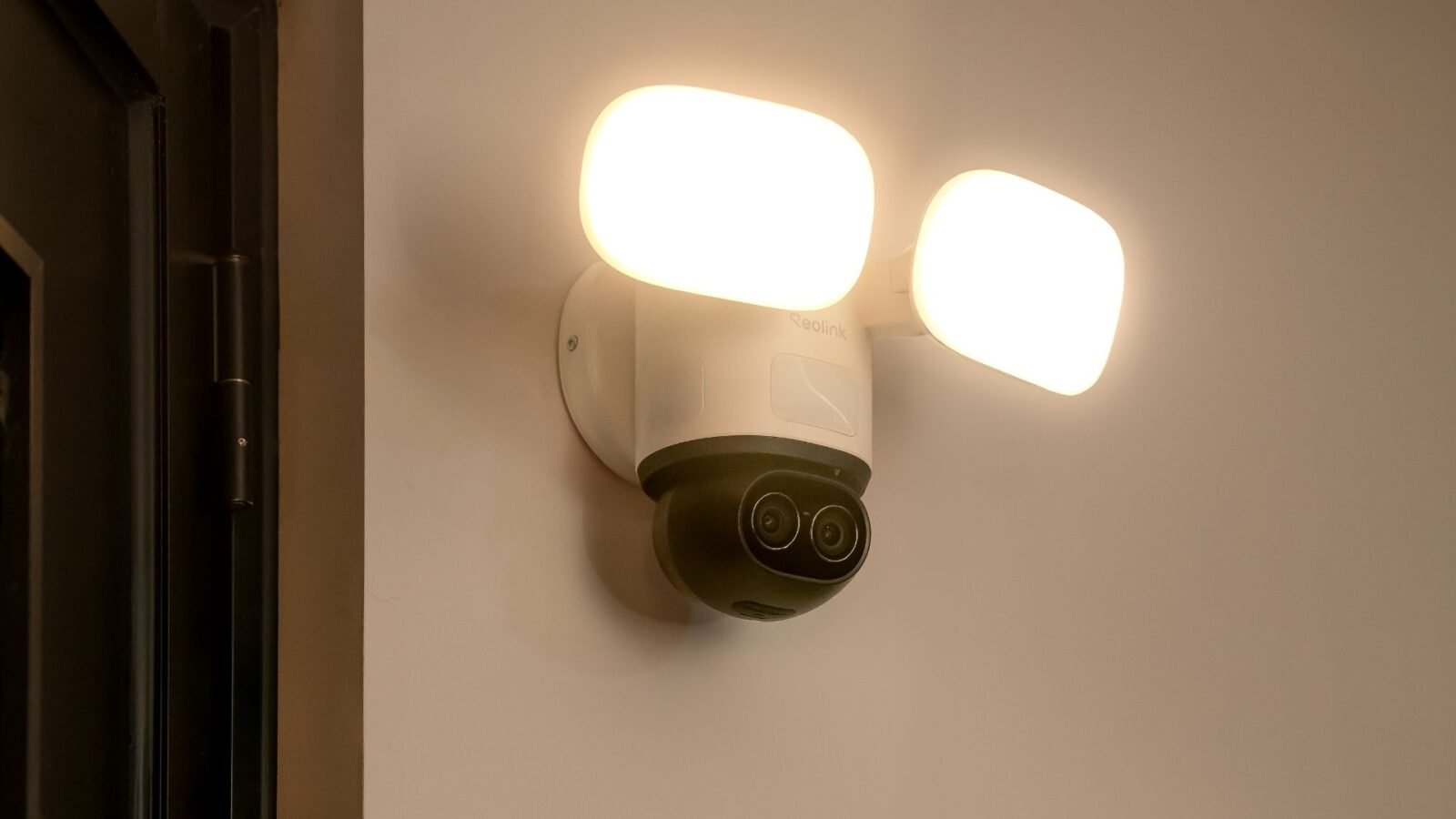
Floodlight cameras encompass two key residential security tasks, which include clear video and bright lighting. The Ring Floodlight Camera is a single weather-sealed unit that attaches to an ordinary junction box, which performs all these functions. This tutorial will take you through its major characteristics, the tools you will require, the installation paths that you will undertake, and the approximate costs.
What Are the Main Features of Ring Floodlight Camera?
It is always better to have an idea of what a device can do first before installing it.
- Dual LED Floodlights with Adjustable Heads: The two powerful 2,000-lumen floodlights are swinging and adjusting on either side and up and down. You have an opportunity to direct the light on a driveway, patio, or gate. The heads cool rapidly, so you are capable of working them with your fingers shortly after you have tested the unit.
- Adjustable Motion Detection: Three heat detectors monitor motion. You can do this by either clipping or lengthening each zone in the app to remove false alerts in the traffic or swinging trees.
- Floodlight Night Vision: As the lights switch on, the camera switches out of infrared, and the image has a full color display. It is possible to see the color of a coat or the paint on the car at night.
What You’ll Need for Installation
Gather all items first. You will not have to carry the extra ladder steps, and reduce the possibility of missing a step.
- Ring Floodlights camera, bracket, rubber seal, and screws.
- A ladder that is high enough to get to the mount
- #2 Phillips screwdriver
- Drill through a 3/16 inch drill bit to be used in brick, stone, and stucco walls.
- Non-contact voltage tester
- Electrical tape roll cut into short and stripper of wire.
- Silicone caulk to make the top edge of the plate watertight.
- Phone that runs the Ring app and has a full battery
Step-by-Step Ring Floodlight Camera Installation
The camera ships in two power styles. One model replaces a wired floodlight on a junction box. The other plugs into a nearby outlet with a long cord. Follow the set that matches your gear.
How to Install Ring Outdoor Floodlight Camera?
- Switch the breaker off and ensure that the wires are not charged.
- Removal is to be made of the old floodlight, and scrap off any loose paint or caulk on the box lip.
- Thread the house wires through the seal and bracket made of rubber, and push the long screws into the box.
- Adjust the little bubble on the bracket; adjust until the line is straight.
- Removal of half an inch of insulation on dull or nicked copper ends.
- Insert the green or bare ground of the camera into the screw of the box.
- Turn the neutral wires over, tape the top, and wrap the wrap one time over.
- Bend up the hot wires and cap and tape the connection in the same manner.
- Insert the wires into the box, press the camera base into the box, and screw the two nuts with your fingers.
- Turn on the breaker, wait till the light flashes, and then add the device to the Ring app and choose the motion zones.
How to Install Ring Wired Floodlight Camera?
- Select an outdoor outlet on a GFCI circuit that is easy to access once the cord has been hung into position.
- Turn off the outlet breaker and unplug other devices, and ensure that there is no power.
- Find the placement of the top screws, place the camera where you desire to have it, and drill pilot holes.
- Tap the anchors supplied until they are in place flat with the siding or brick.
- Align the base, fit the screws, and tighten the screws without bending the plate.
- Move the power cord in a straight line and cut it after every foot. Insert a drip loop right below the plug.
- Push the plug into the outlet and fit a weather cover that closes over the cord.
- Turn power back on, open the Ring app, and walk through setup.
- Aim the light heads and camera slightly down toward the target area.
- Check the live view at night. Confirm motion starts the lights and the video stays clear.
Ring Floodlight Camera Installation Cost
Many owners wonder if they should climb the ladder themselves or call a pro. The notes below help you weigh both sides.
- DIY Installation: You pay only for the camera, small supplies, and maybe a fresh drill bit. Most people finish in one or two hours. The longest part is moving the ladder and handling wires with care.
- Professional Installation: An electrician often charges between $100 and $200 to swap one fixture when safe wiring already exists. The price goes up if they must add a box, run conduit, or patch stucco.
- Factors Affecting Cost: Height, wall type, distance to the panel, and local labor rates all shift the final bill. If you ask the same crew to fit more smart devices in one trip, the per-unit fee can drop.
Alternatives to Ring Floodlight Cameras
While Ring floodlight cameras are widely used for outdoor lighting and surveillance, several alternatives may offer more flexibility in storage, resolution, and system integration. Reolink is one of them.
- Reolink Floodlight Cameras provide higher-resolution options (including 2K and 4K models), local microSD and NVR storage, and smart person/vehicle detection. They are available in both Wi-Fi and PoE versions, for example, the new TrackFlex Floodlight WiFi.
Why Reolink Is a Strong Alternative
For users comparing options, Reolink stands out in several key areas:
- Flexible Storage: Local recording via microSD or NVR without mandatory subscription fees
- Higher Resolution Choices: Detailed image capture beyond standard 1080p
- System Scalability: Easy integration into multi-camera PoE systems
- Installation Options: Both wired and Wi-Fi models available
FAQs
Can you use Ring Floodlight Cam without a subscription?
Yes. The light, live view, talk feature, motion alerts, and siren all work with no plan. The only limit is video storage. Without a Ring Protect plan, the system does not save clips to the cloud, and you cannot play events later. You decide if instant alerts alone meet your needs.
Are Ring floodlights worth it?
Many homeowners think so because the unit joins bright light, sharp video, and smart control in one body. You pay more than for a basic floodlight, yet you skip extra wiring and get phone alerts that let you act fast. People who value quick proof of activity often see the higher cost as fair.
Is 20 feet too high for Ring Floodlight?
Ring suggests a lower mount. At 20 feet, motion zones miss ground-level warm bodies, faces look small in the frame, and the mic picks up less sound. A range of 14 to 16 feet often gives wide cover yet still shows useful detail. If you must mount higher, tilt the camera down and test until alerts work well.
Conclusion
A Ring Floodlight Camera gives strong light and clear video from one box. With common tools, safe habits, and an hour or two of effort, you can fit the unit yourself and save a service fee. Plan wire routes, keep Wi-Fi strong, and test at night. You will soon enjoy better light around the home and faster notice of motion.