
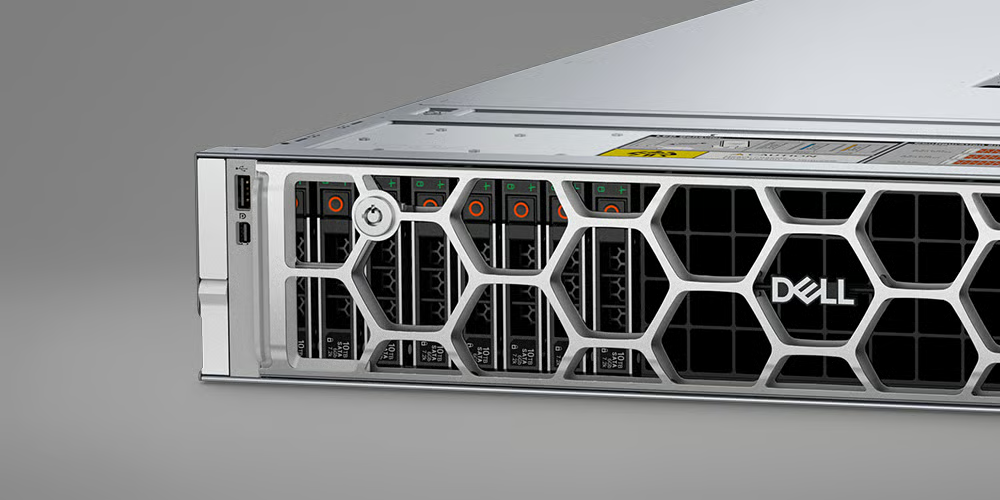
A rack server’s generation tends to get treated as a proxy for how good it is, on the assumption that a later generation is simply the better buy. For some workloads that holds. For a fair number it doesn’t, and understanding where the line falls is the difference between a well-judged purchase and money spent on headroom that never gets touched.
Dell’s PowerEdge rack line is a useful case because the generations are well defined and widely available both new and refurbished, which makes a like-for-like comparison practical rather than theoretical.
What actually changes between generations
Each PowerEdge generation broadly tracks a processor platform. The 14th generation R640 and R740 families, for instance, sit on one Intel platform; the 15th generation R650 and R750 on a later one; the 16th generation R660 and R760 later still. Across those steps you typically see newer processor support, faster memory, more PCIe bandwidth and newer drive interfaces.
The catch is that those gains only translate into real-world benefit for workloads that can use them. A newer memory standard or a faster storage interface matters enormously to some jobs and is invisible to others. Reading the generational leap as a uniform “it’s faster” misses that the relevant question is whether your workload touches the parts that changed.
Where a newer generation genuinely earns its place
Some workloads reward the latest platform clearly. Dense virtualisation, where you’re consolidating many virtual machines onto one host, benefits from higher core counts and larger, faster memory. Workloads leaning on fast NVMe storage benefit from the newer drive support and PCIe lanes. And anything heading towards GPU-accelerated work, including AI inference, depends on a platform and chassis that can take the relevant cards and feed them enough power and cooling, which is a genuine reason to favour newer, GPU-capable models rather than assuming any high-core-count server will do.
In those cases, paying for a current generation isn’t waste. It’s buying capability the workload will actually exercise.
Where an older generation still does the job
Plenty of workloads don’t move that needle. File and print services, a domain controller, a modest database, a backup target, general infrastructure roles: these often run perfectly well on a previous-generation platform, and the cost difference against current kit can be substantial. A refurbished previous-generation rack server matched sensibly to that kind of role can be a sound decision rather than a compromise.
This is where it helps to compare across, not just within, generations. Browsing configurable Dell PowerEdge rack servers across several generations makes the trade-off concrete, since you can weigh a current model against an earlier one configured to the same workload and see where the extra spend does and doesn’t buy anything useful.
A couple of technical caveats belong in the decision. Check support status and whether the operating system and software you intend to run are still supported on that platform. Confirm the chassis takes the drives, memory and any controller you need, since configurations vary within a family as well as between generations. And factor in the practical fit: rack depth and rails, available power connectors, network ports and the cooling the rack can actually provide.
The decision worth making
The honest comparison isn’t “which generation is newest”, it’s “which generation does this specific workload need”. Define the job first, including realistic growth, then look at where in the generational range that job is genuinely served. Quite often the answer is the current platform. Surprisingly often, for everyday infrastructure roles, an older one matched carefully to the work is the better-judged buy.
