
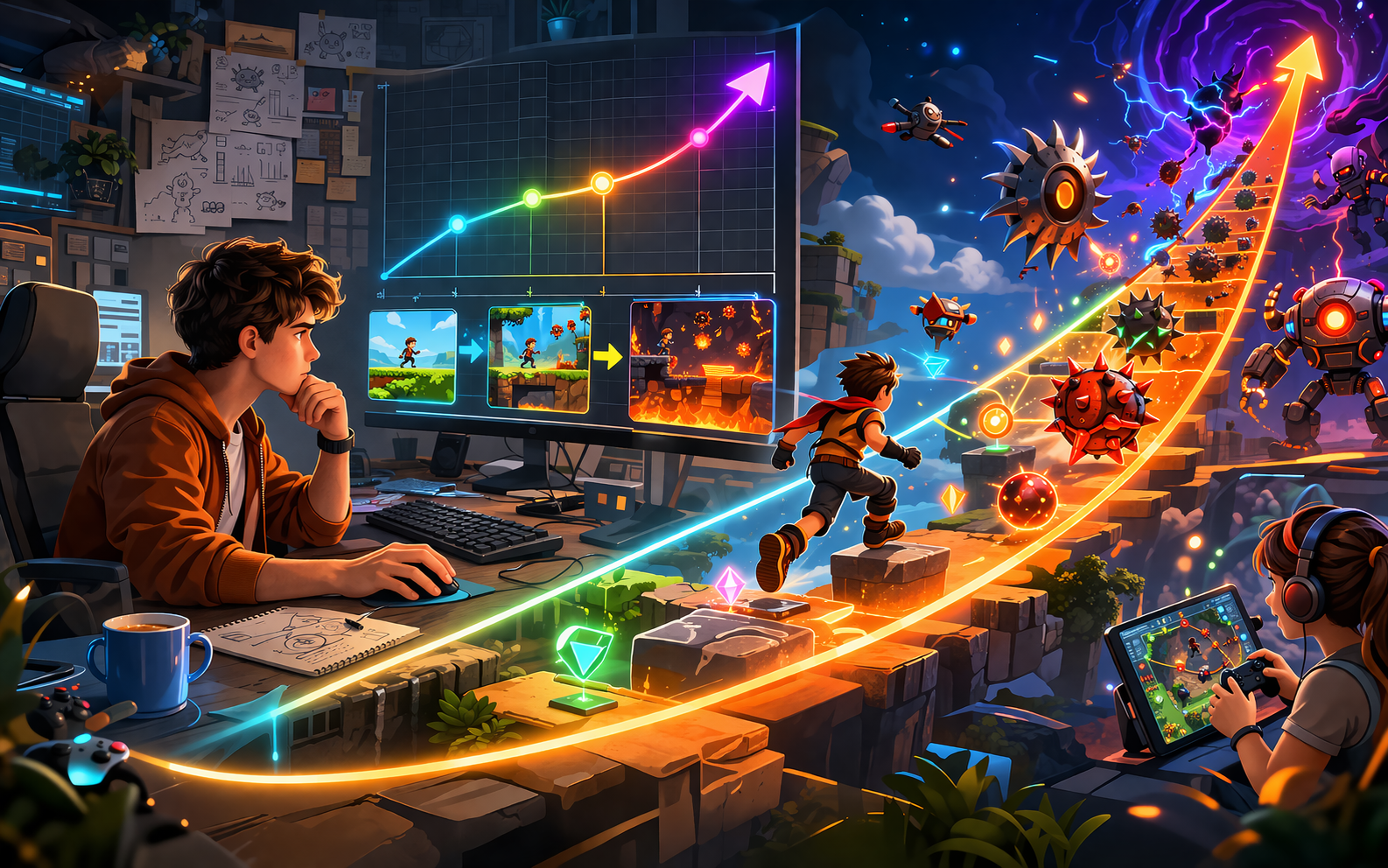
Many AI generated games start fun but quickly become boring because the difficulty stays flat. Players either finish everything too easily or hit a sudden wall that feels unfair. Without a proper challenge curve, there is no sense of growth or achievement. The game fails to get harder in a natural way as players improve, so they lose interest after a few sessions. A good challenge curve starts simple, gently increases the pressure, and keeps players engaged by matching their growing skill. The good news is you can fix this without rewriting the entire game. By adjusting how obstacles appear, changing speeds at the right moments, and adding layers of difficulty, you can create a steady progression that feels fair and rewarding. This guide explains the main problems with flat difficulty and provides clear steps to build an effective challenge curve. Follow these methods and make your own game, which will keep players coming back as they master each new stage.
Why a Flat Challenge Curve Hurts Your Game
When difficulty stays the same throughout, players master the core mechanic too quickly and have nothing new to strive for. Early levels feel too easy, which removes excitement, while later sections may suddenly become much harder without warning, causing frustration. In AI generated games, this issue often appears because new content is created without a built-in plan for increasing challenge. Levels might look different, but play at the same pace with the same number of threats. Players stop caring about scores or progress because there is no meaningful growth. A well-designed curve solves this by starting easy to build confidence, then slowly raising the stakes so players feel their skills are improving. This creates a sense of satisfaction and encourages them to keep playing to see how far they can go. Fixing the challenge curve turns a basic game into one that feels alive and worth mastering.
Signs Your Game Needs a Better Challenge Curve
Look for clear warning signs that your difficulty curve is too flat. If most players reach high scores in their first or second try and then lose interest, the game never gets harder in a smart way. If newly generated levels feel almost identical in difficulty, no matter how far the player has come, progression is missing. Another sign is when testers say the beginning was fun, but the middle and end felt either too simple or suddenly impossible. Players may also complain that nothing changes after the first few minutes, or that wins feel empty because there was never any real test of skill. These signals tell you exactly where to focus your fixes. Addressing them early prevents players from quitting and helps your game hold attention for much longer sessions.
Four Main Problems with No Challenge Curve
Several common issues prevent games from developing a proper difficulty curve.
- Constant Difficulty: The same number of obstacles, speed, and rules apply from start to finish with no gradual increase.
- Random Spikes: Sudden jumps in difficulty appear in some generated levels, while others stay too easy, creating unfair moments.
- No Skill-Based Adjustment: The game does not respond to how well the player performs, so it never gets easier for beginners or harder for skilled players.
- Missing Milestones: There are no clear stages or checkpoints where new challenges are introduced and celebrated.
Building a Smooth Early Game
Start the game with very simple challenges that teach the core mechanic without overwhelming new players. Use fewer obstacles, slower speeds, and larger safe zones in the first levels so almost everyone can succeed and feel good about their performance. Introduce one new element at a time. For example, begin with basic movement, then add a single type of collectible, and only later bring in moving threats. This gradual introduction builds understanding and confidence before raising the pressure. In AI generated games, set base rules that keep early sections light and consistent. Players should complete the opening minutes with a high success rate so they become hooked and want to continue. A gentle start creates the foundation for a rewarding curve.
Adding Gradual Increases in Difficulty
Once players understand the basics, begin raising the challenge in small, steady steps. Increase the number of obstacles slightly, make movements a little faster, or reduce safe areas as scores rise. These changes should feel natural rather than sudden. Create several stages within the game. The first stage might focus on learning timing, the second on handling multiple threats at once, and later stages on combining skills under pressure. Each new stage should feel like a logical next step rather than a complete restart. For generated content, use rules that scale difficulty based on player progress. Track recent performance and adjust the next section accordingly. This keeps the curve balanced for different skill levels and prevents long stretches of boredom or sudden frustration.
Four Effective Ways to Create a Strong Challenge Curve
Use these four practical methods to build an engaging difficulty progression.
- Progressive Obstacle Introduction: Add new types of challenges one by one at set score or time milestones so players always have something fresh to learn.
- Speed and Density Scaling: Gradually increase movement speeds and the number of active elements as the player advances through levels or scores.
- Adaptive Adjustments: Make the game slightly easier after several failures and slightly harder after consistent success to keep each player in their ideal challenge zone.
- Clear Milestones and Rewards: Celebrate the end of each difficulty stage with a short victory screen, new visual effect, or small unlock so players feel their progress.
Using Player Performance to Guide Difficulty
Smart games adjust based on how the player is doing. If someone fails the same section multiple times, quietly reduce the number of threats or slow the pace for a short while. If a player succeeds easily, add one extra obstacle or increase speed in the next part. This adaptation should stay invisible so players feel the challenge comes from their own growth rather than the game helping or punishing them. Keep adjustments small and test them thoroughly to avoid making the game feel unfair.
In AI generated games, build these performance checks into the generation rules. The system can then create sections that better match the current player’s skill without manual changes for every level.
Adding Variety Within the Curve
A good challenge curve includes variety so players do not face the same test repeatedly. Mix fast reaction sections with moments that reward careful planning. Alternate between high-pressure waves and calmer collection phases. Introduce occasional special events or bonus rounds that change the rules slightly for a limited time. These moments break the routine while still fitting within the overall curve. In generated content, combine a few base patterns with different difficulty modifiers so each new area offers a fresh version of the challenge. Variety keeps the curve interesting and prevents players from predicting exactly what comes next, which maintains excitement across many plays.
Four Areas to Test Your Challenge Curve
Test your improved curve by focusing on these four key areas.
- Early Game Flow: Confirm that new players can learn the basics and succeed in the first minutes without feeling bored or overwhelmed.
- Mid-Game Progression: Check that difficulty rises steadily and players feel their skills are being tested in a fair way.
- Late-Game Engagement: Make sure advanced players still find meaningful challenge and do not reach a point where everything becomes too easy.
- Different Player Types: Watch both casual players and skilled testers to ensure the curve works well for a wide range of abilities.
Drawing Inspiration from a Real Game
A well-balanced challenge curve appears in Slice Rush, where players face steadily increasing obstacles and speeds while the core slicing mechanic remains simple and satisfying. You can try it on Astrocade. Notice how the difficulty grows naturally with each run, keeping players motivated to improve without sudden unfair spikes. Use the same thoughtful progression when shaping the challenge curve in your own AI generated game.
Keeping the Curve Fair and Fun
The best curves make players feel smart when they succeed and motivated to try again after failure. Avoid sudden difficulty jumps that feel like traps. Instead, give clear signals before harder sections begin, such as a short warning or visual change.
Balance failure so it teaches rather than punishes. Allow players to retry quickly and show them what went wrong gently. When the curve feels fair, players blame their own timing or decisions rather than the game, which keeps them engaged.
Wrapping Up
Your AI game has no challenge curve mainly because of constant difficulty, random spikes, lack of adaptation, and missing milestones. By starting simple, adding gradual increases, using player performance to guide changes, and including variety, you can create a smooth and engaging progression that keeps players motivated. Whether you build your games with Astrocade or other easy tools, these steps help you turn flat experiences into rewarding journeys where difficulty grows naturally with skill. Start by identifying the current flat spots in your game and apply one fix at a time. Test with both new and experienced players after each change. Adjust until the curve feels balanced and exciting. With careful attention to challenge progression, your game will give players a clear sense of growth, satisfying wins, and reasons to keep coming back for better scores and longer runs. A strong challenge curve turns good games into ones that players love to master.
