
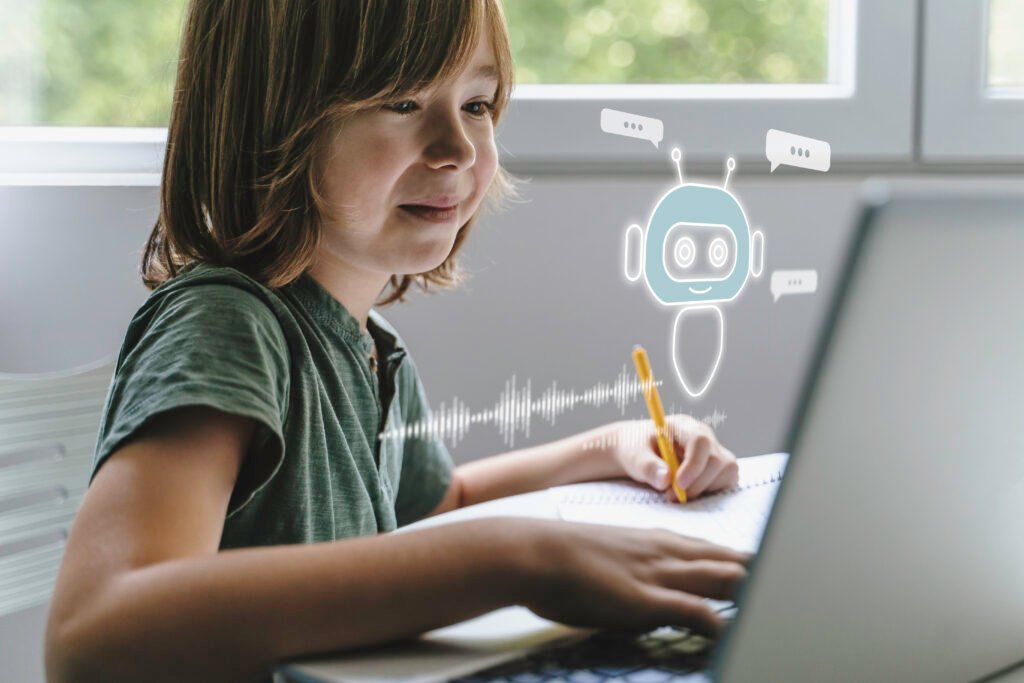
We have learned to judge AI by how much it can finish. For children, that instinct is exactly backwards. The most valuable creative AI a child can use is the one that helps them begin — and then deliberately quits, leaving the interesting part undone.
It is a Saturday morning a few years from now. A seven-year-old wants to make a dragon. She tells the app on the family tablet, and in a moment it shows her a small dragon — not a finished masterpiece, but a rough, friendly starting shape. Then the app does something quietly unusual for a piece of modern software. It stops. It does not smooth the dragon into perfection or print it automatically. It waits, and effectively asks: what kind of dragon? Longer tail? Bigger wings? A friend? She frowns, taps, drags, changes her mind twice, and prints a version that is slightly wrong. She studies the wrong bits. Then she makes another. By lunchtime there are three dragons on the table, each better than the last, and not one of them was finished by the machine.
That small moment — the app stopping — is, I think, the most important design decision in the whole future of children’s creative technology. And it runs directly against the way we have been taught to value AI.
We are measuring children’s AI by the wrong number
Almost every headline about AI measures the same quantity: how much it can do. How fast it writes, how completely it codes, how convincingly it generates an image from a sentence. For adult productivity, that measure makes a kind of sense — the goal is often to finish.
Carry that measure over to children unexamined, though, and it produces something strange: tools that are most impressive precisely when the child does least. An app that turns a toddler’s three words into a flawless, ready-to-print model has, by the adult metric, succeeded enormously. By any measure that matters for a child, it has failed — because it has quietly removed the entire experience it was supposed to provide. The child watched. The machine made.
There is a better number to watch, and it is almost never advertised: how much the tool leaves for the child to do. The most valuable creative AI for a child is not the one with the highest output. It is the one with the most deliberately unfinished output — the one that hands back a rough beginning and then gets out of the way.
| Judge a child’s creative tool not by what it produces, but by what it refuses to finish. |
Why “unfinished” is the whole point — and why it has to leave the screen
An unfinished idea is an invitation. A finished one is a full stop. When a tool hands a child something rough — a starting shape, a half-formed character, a first draft of a toy — it creates a gap, and the child’s imagination rushes in to fill it. That gap is where the choosing, the personalizing, and the deciding happen. Close the gap with a perfect result and there is nothing left to pour imagination into.
But a gap on a screen is easy to ignore. A child can accept a digital result, tap past it, and move on. This is why the physical step matters so much, and why AI modeling apps become genuinely different when they connect to a 3D printer. A printed object cannot be tapped past. It sits on the table being slightly wrong — the dragon’s wings too small, the car pulling to one side — and its wrongness is undeniable and specific. The screen can offer an unfinished idea; the printed object forces the child to actually finish it.
A drawing is saved and forgotten. An avatar stays in its game. But a printed toy that doesn’t quite work has to be reckoned with. It can be held, raced, gifted, added to a collection — or studied and remade. The object turns an unfinished idea from something the child could dismiss into something they want to resolve.
The loop, read as a handover
The familiar creative loop — idea, model, print, play, improve — is usually drawn as five equal steps. It is more honest to draw it as a handover, where the machine’s role shrinks at every stage until, by the end, the child is working alone:
WHO IS DOING THE WORK
| IDEA
AI helps most |
MODEL
AI assists |
PRINT
shared |
PLAY
child leads |
IMPROVE
child alone |
Idea — AI helps most
The blank screen is the hardest moment, and the one place heavy assistance is welcome. A child says “dragon” or “race car” or “something for Grandma,” and the tool offers a prompt, a theme, a rough starting shape. This is AI at its most useful for a child: dissolving the paralysis of the empty page.
Model — AI assists, child decides
Guided, game-style customization keeps the modeling approachable — a child adjusts a feature, a name, a shape, a colour, without touching professional CAD. But the decisions are the child’s. This is the stage where a well-designed tool starts handing control back, offering options rather than answers.
Print — shared
The machine does the literal making, but the child has chosen what gets made. The idea crosses from screen to table, gaining weight and presence — and, crucially, the ability to be wrong in a way that can be seen and held.
Play — child leads
Here the AI is no longer in the room at all. The character joins a story, the car joins a race, the token joins a board game. Meaning is entirely the child’s to assign. No model generated this part; the child did.
Improve — child alone
The deepest stage, and the most fully handed over. The child looks at what didn’t work — wings too small, base too narrow — and decides what to change. The first result was never meant to be perfect; it was meant to be unfinished enough to provoke the next one. By now the scaffolding is gone and the loop is the child’s to run.
Why it has to feel like a game, not a tool
None of this works if the act of finishing feels like homework. Children already fluently customize avatars, pick skins, name characters, and decorate digital rooms — they are practised, confident editors of digital things. Game-style toy customization borrows that fluency. It offers the same familiar moves — choose a type, adjust a feature, set a theme — so that the part the tool leaves unfinished feels like play rather than a technical task.
That familiarity is the on-ramp, not the ceiling. First children play, then they customize, then they start noticing patterns, then they become ready for more ambitious creation. A tool that feels like professional software stops creativity before it starts. A tool that feels like a game keeps the child in the loop long enough to learn the loop is theirs to drive.
Keeping the loop alive after the novelty fades
There is a predictable failure mode for any creative gadget: the first project dazzles, the second is harder to choose, and by the third week the device goes quiet. The culprit is almost never the hardware — it is the empty question, “what should we make next?” A project library answers that question before it can stall the loop, offering a menu of starting points: animals, vehicles, characters, game pieces, gifts, decorations, puzzles, seasonal builds.
Each starting point is, deliberately, another unfinished idea. A child pulls a dragon, then makes a cave, then trees, then a small adventure; another prints a car, then a ramp, then a trophy, then a second racer for a sibling. The library does not hand over finished play — it hands over fresh beginnings, which is exactly what keeps a creative system from collapsing into a one-time novelty. That is the difference between a device and a workshop.
What a “quits-early” system looks like in practice
A system built on this philosophy will not be a single clever feature. It is a chain — a way to start an idea, shape it, make it real, and come back for the next one — with a human child doing the meaningful work at every link.
That is the more useful way to read something like the AOSEED make-it-real creative workshop: not as a printer with apps bolted on, but as a guided path from a rough idea to a physical object, combining AI-assisted idea generation, game-style customization, beginner-friendly modeling, 3D printing, a project library, and learning support. The point of the chain is not to automate the child out of it — it is to make sure each link still leaves something for the child to do.
For the youngest makers, that handover has to start gently. a first AI sketch-to-toy printer for little makers can turn a prompt and a few simple choices into a printable toy — enough help to get past the blank screen, but not so much that the child stops choosing. The first step is made easy precisely so the finishing can stay the child’s.
How to spot a tool that quits at the right time
As AI creative tools multiply, families will need a sharper test than “how impressive is the output?” The better question is: how much does it leave for my child to do? A few signs separate a workshop from a vending machine:
It hands back rough, not finished
The tool should produce a starting point a child clearly needs to improve — not a polished result that needs nothing. If the child only has to accept what appeared, the tool has done too much.
It scales its silence to age
Younger children need more help getting started and simpler steps; older children need the tool to step back sooner and offer more room. A good system adjusts how early it quits.
It insists on a physical result
Something a child can hold, test, gift, or remake is far harder to passively consume than a screenful of pixels. The object is what makes the unfinished idea impossible to ignore.
It always has a next beginning
A library or project system keeps fresh unfinished ideas within reach, so the loop never stalls on “what now?”
It gives the adult a role, not the controls
Parents should know where to help — setup, supervision, a guiding question — without taking the finishing away from the child any more than the software should.
Read through that lens, kids’ 3D printers built around the unfinished idea are worth more than ones judged on raw specifications alone — because the specification that matters most for a child is how much room the system leaves them to create.
A better default for AI and children
Step back from toys for a moment, and the principle gets larger. The dominant story of consumer AI is automation — software that finishes things so people don’t have to. For adults at work, fine. But the version of that story we hand to children will quietly teach them what technology is for. If every AI a child meets finishes the job, they learn to be an audience for their own ideas. If the tools are built to start the job and step back, they learn something far more useful: that technology is a thing you create with, not a thing you wait on.
| The toys a child loves most a few years from now may begin as a prompt — and be finished, deliberately, by the child. |
That is why the small moment in the vignette — the app stopping — matters beyond dragons on a Saturday morning. A tool that quits early, again and again across hundreds of little projects, is teaching a child to expect to be the one who finishes. In an age of software that increasingly finishes everything, that may turn out to be one of the more valuable habits a creative technology can build.
The future of creative play belongs to the tools that stop
The strongest AI tools for kids will not be the ones that do the most. They will be the ones that do just enough — helping a child past the blank screen, then handing the idea back rough enough to be worth finishing. AI modeling apps matter because they dissolve the hardest first step. 3D printing matters because it turns an unfinished idea into an object that can’t be ignored. A project library matters because it keeps the next beginning within reach.
Put together, they point to a future where creative play is neither purely digital nor purely physical, but a handover between the two — and where the cleverest thing a piece of software does is know when to stop. A child’s next favourite toy may begin as a prompt and end as something they made. The machine’s job is to start it well, and then, at exactly the right moment, to quit.