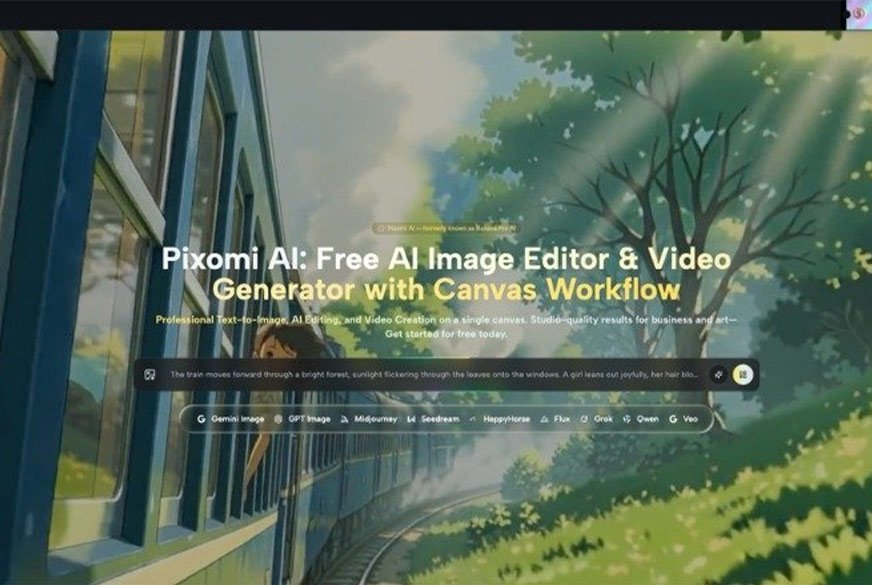
A striking AI image can earn attention for a day. That does not tell you whether the tool is actually useful. The better test is what happens after the first result: can you turn the same idea into a second visual, a cleaner variation, a short video concept, or a version that fits another post without losing the original direction?
That question matters to creators, small brands, fan pages, and anyone producing regular online content. A tool such as Banana Pro AI can be used for image and video creation, but the value is easier to judge through a small series than through one “wow” result. Instead of chasing a single viral-looking image, build three or four related pieces around one idea. You will quickly see whether the process helps you create with more consistency or simply gives you isolated experiments.
Choose a Tiny Content Series Before You Open the Tool
Start with a subject you already understand. It could be a music release, a fictional character, a café promotion, a sports discussion, or a weekly entertainment roundup. Then define a small set of outputs.
For example, you might need a lead image, a second image with a different mood, and a six-to-ten-second motion concept. The exact number is less important than the relationship between them. They should clearly belong to the same topic.
This prevents random prompting. If every generation starts from a completely new idea, you cannot tell whether the tool supports consistency. A series creates a simple test: can you keep the important visual elements while changing only what the next post needs?
Test the Parts That Matter to Real Publishing
A useful review should look beyond whether an image is attractive. For regular content, repeatability and control matter just as much.
- Test Whether the Main Subject Stays Recognizable
If your content revolves around a product, person, mascot, room, or other recurring subject, begin from a reference image when possible. Ask for a specific change while keeping the main subject clear.
For a fictional character page, for instance, you might keep the same clothing and general appearance while changing the setting from a street to a studio. If the subject changes too much between versions, the series will feel disconnected even if every individual image looks good.
- Test Whether You Can Direct the Mood Without Rebuilding Everything
Next, keep the subject and composition close to the original, but change the mood. Try a brighter daytime treatment, a more editorial look, or a simple illustrated style.
This reveals whether your instructions are controlling meaningful details or merely producing a totally new picture. It also mirrors a real publishing task. Creators often need multiple versions of one idea for different posts, not five unrelated concepts.
- Test Whether the Idea Survives the Move to Video
A still image can look perfect and still make a weak video. Before generating motion, decide what the short clip is supposed to communicate.
Maybe a fashion image needs a slow turn and a small movement in the fabric. A food image might use rising steam rather than a dramatic camera move. A character portrait might only need a glance toward the lens. Keeping the action simple makes it easier to judge whether motion strengthens the idea or distracts from it.
Use a Simple Scorecard Instead of “I Like It”
Personal taste matters, but a tiny scorecard makes comparisons more useful. You do not need complicated metrics.
| Question | What to Check |
| Is the subject right? | Identity, shape, clothing, product details |
| Is the composition useful? | Space for text, focal point, crop |
| Does the style fit the topic? | Mood, lighting, level of realism |
| Can it become a second version? | Consistency without duplication |
| Does motion add anything? | Clear action rather than random movement |
Give each result a quick yes, no, or “needs work.” This takes less time than arguing with yourself about which image is more impressive. It also shows what to change in the next prompt.
If a result fails because the framing is wrong, fix framing. If the mood is wrong, change the mood instruction. Do not rewrite the entire concept unless the concept itself is the problem.
Keep Prompt Changes Small Enough to Learn From
One of the easiest ways to waste time with generative tools is changing every instruction at once. If version two uses a new subject, new lens, new lighting, new setting, new style, and new camera angle, you have no idea which change caused the improvement.
A better method is closer to testing a recipe. Change one or two variables, then compare. Banana Pro AI supports both text-led and image-led creation, which makes it practical to start with a concept and then create related versions rather than treating every prompt as a fresh start.
For example, keep the same reference image and ask for a cleaner background. Then keep that direction and adjust the lighting. If you later create a video version, begin from the strongest still rather than from the weakest draft. This produces a clearer creative trail.
Do Not Confuse More Output With Better Content
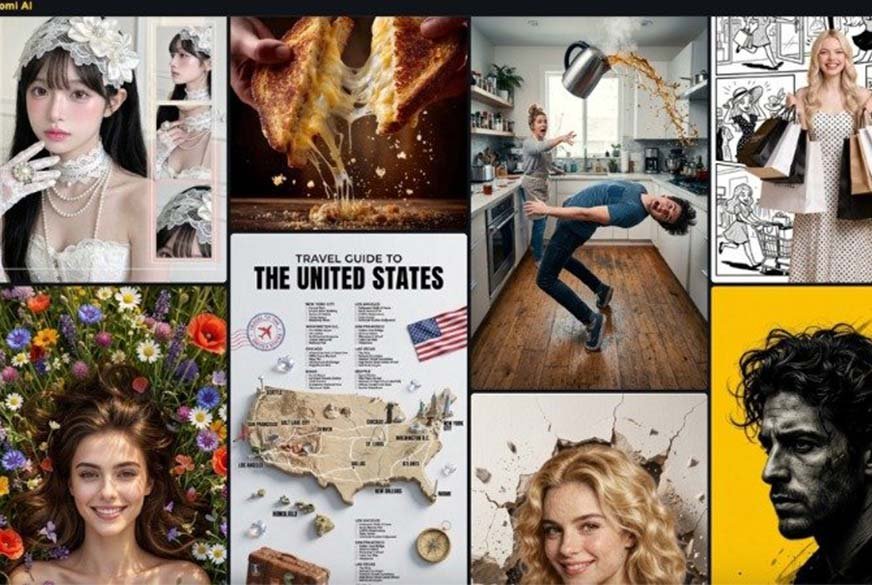
The ability to produce many variations can encourage a bad habit: generating until something accidentally looks good. That feels productive, but it often creates a folder full of near-duplicates and no clear publishing choice.
Set a limit before you begin. Perhaps you will test three still versions and one motion direction. After that, stop and choose. If none work, identify the specific failure before making another attempt.
This matters for small teams as much as solo creators. When ten people can each generate ten options, review becomes the bottleneck. Clear criteria are more valuable than endless supply. A content lead should be able to say, “Version B keeps the product accurate and leaves space for the headline,” rather than simply choosing the prettiest image.
Know What AI Should Not Decide for You
An AI tool can help produce and transform visual material, but it should not decide what is appropriate to publish. That remains your job.
If you use real people, public figures, customer photos, or recognizable brands, think about consent, context, and the possibility of misleading viewers. A technically convincing image can still be a poor editorial choice. The same applies to newsy or celebrity-related content, where an invented scene may be mistaken for something that actually happened.
Label fictional or experimental material when the context could be confusing. Keep source files when accuracy matters. If a generated image represents a real product, compare it carefully with the original before publishing.
The easier creation becomes, the more important this final human check becomes.
Conclusion
The best way to judge an AI creative tool is not by asking whether it can produce one impressive image. Build a small, connected series and see whether you can control the subject, mood, composition, and motion from one piece to the next.
Use a simple scorecard, change prompts gradually, and stop generating when you have enough information to make a decision. That approach turns experimentation into something you can actually learn from.
For creators who publish often, consistency is more valuable than a one-off surprise. Choose one topic you already planned to post about this week, create a three-piece visual test around it, and judge the tool by the whole set rather than the first result.